


Living Multi Tool Fibre
- Regular price
-
$56 - Regular price
-
- Sale price
-
$56
Couldn't load pickup availability
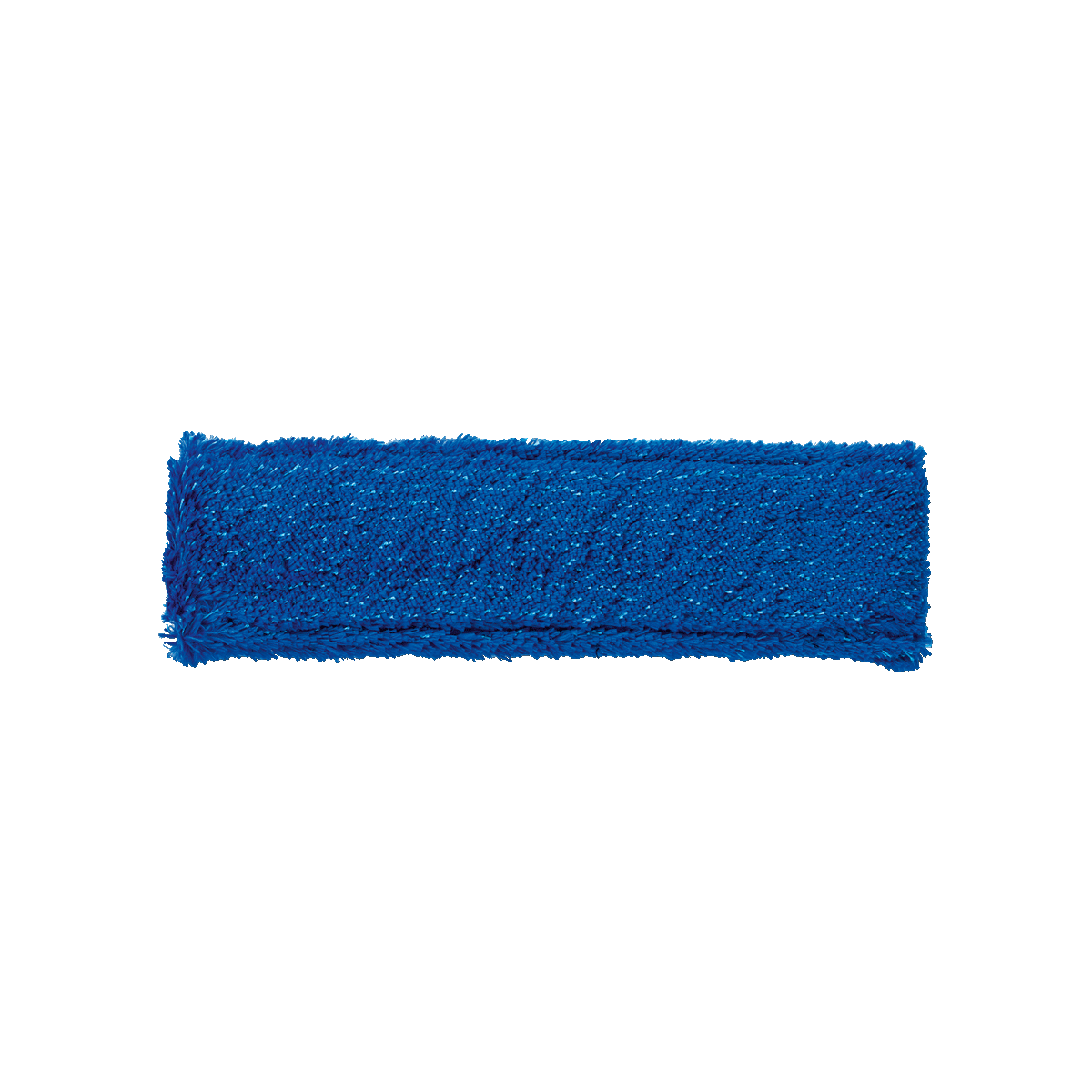
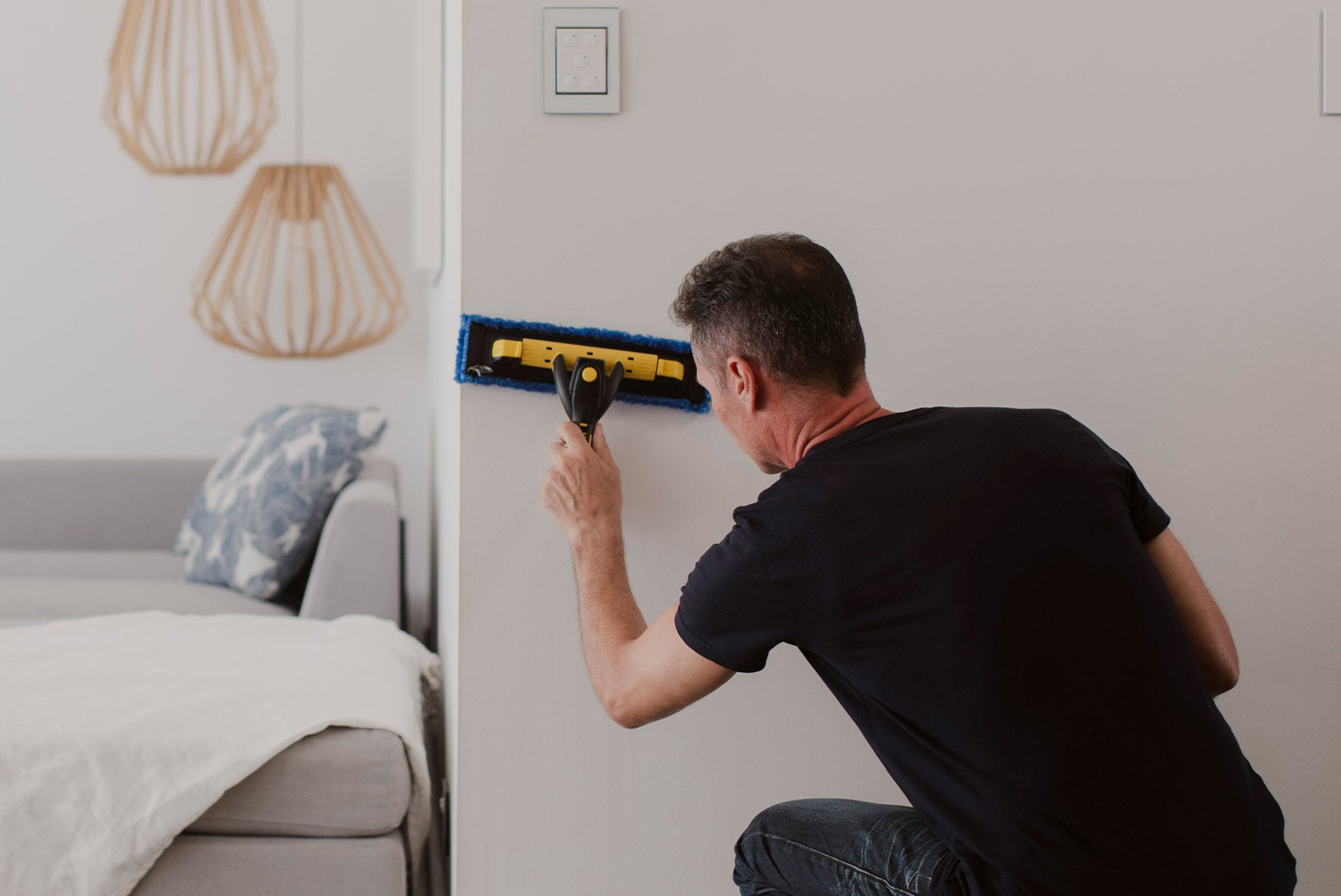
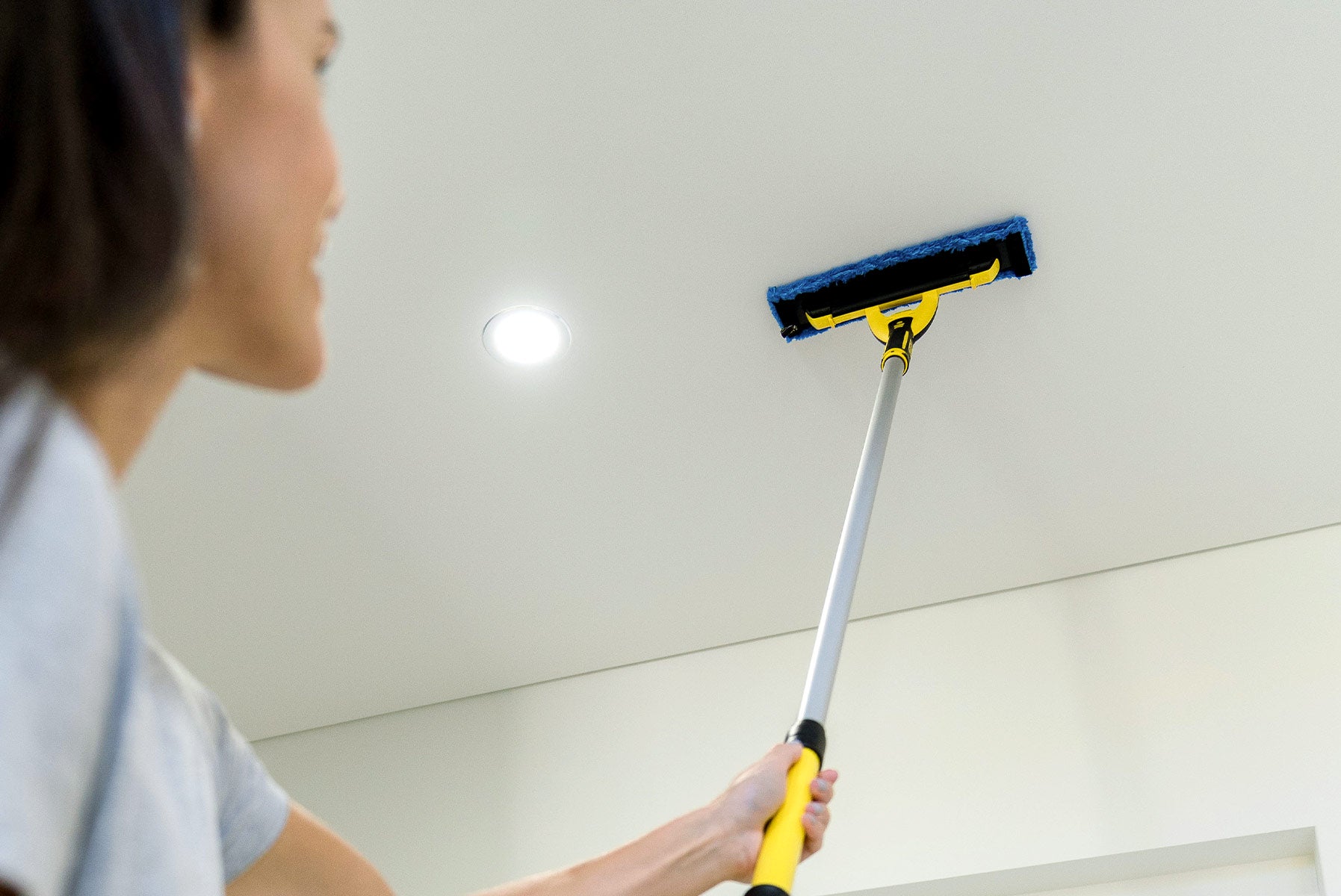
The Living Multi Tool Fibre is the most effective way to clean large glass and indoor surfaces quickly, without chemicals or streaks.
Multi Tool Hardware sold separately.
* images show example selections only
60 day love-it-or-leave-it guarantee
Clean Circle Members: 90 day money back guarantee
Key Features


SHIPPING
All orders are picked and packed within 1-2 business days.
Shipping in Australia is between 2-6 business days*, it can take longer for remote areas.
FREE FROM HARMFUL SUBSTANCES
Every ENJO product meets OEKO-TEX® Standard 100, confirming they’re free from harmful substances and safe for your family.
HAVE QUESTIONS?
Contact our customer care team at care@enjo.com.au.
How to use
Why we love it
Perfect for cleaning
FAQs
How does the Living Multi Tool Fibre work?
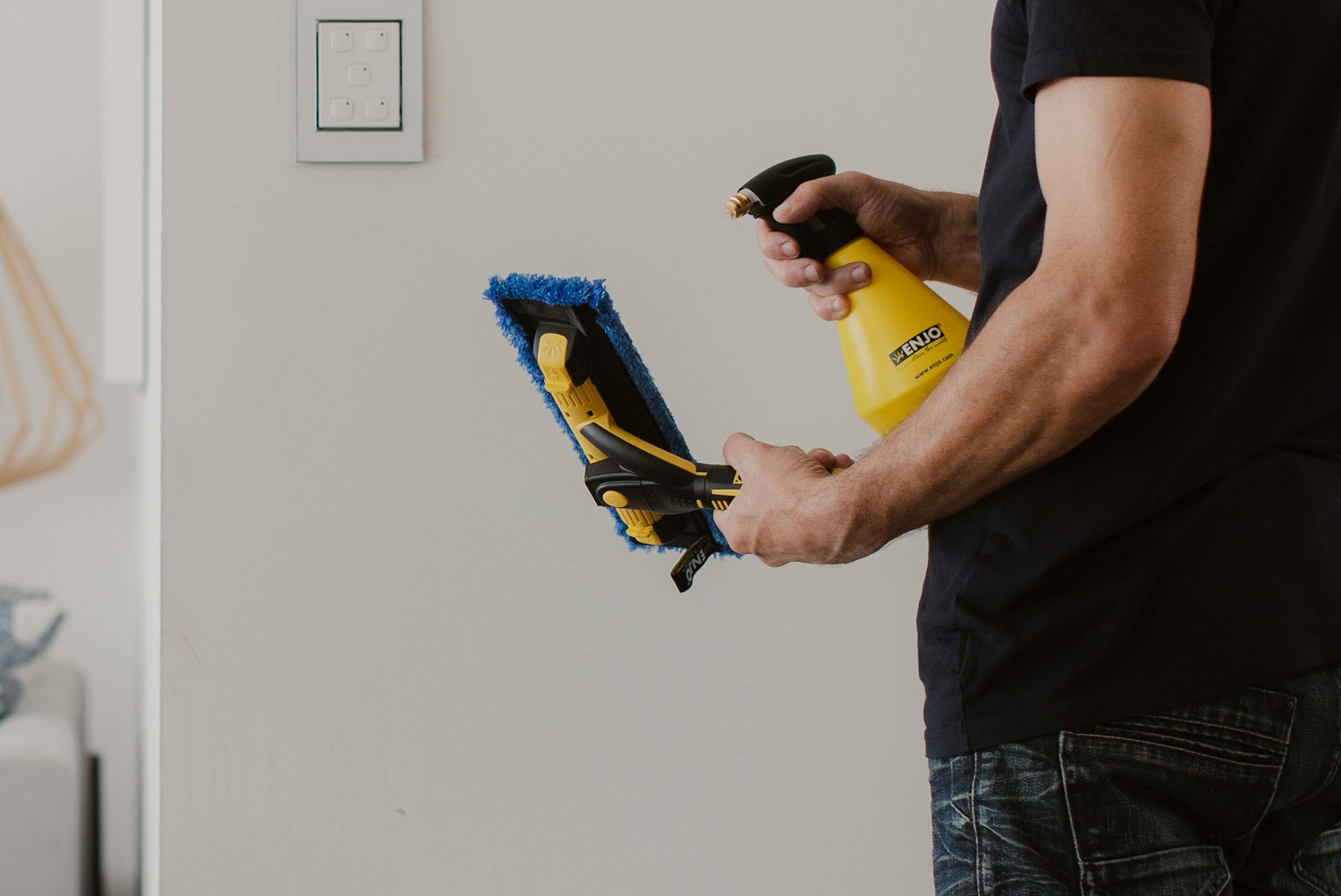
The Living Multi Tool Fibre attaches to the Multi Tool Hardware. The fibre is designed to loosen and lift dirt, dust, smudges, marks and fingerprints on glass and indoor surfaces. The unique wedge-shaped fibres are 100x finer than a single human hair and work to loosen stains from surfaces. Super-fine fibres combined with water lift dirt away by capillary action. The dual-functioning hardware has a blade attached to remove excess moisture from glass for a professional finish.
After cleaning, dry any excess moisture with the super-absorbent Living Miracle for a streak-free finish without a single chemical.
Is the Multi Tool Hardware included with the Living Multi Tool Fibre?
No. The Living Multi Tool Fibre is the perfect additional fibre for Customers who already own the Multi Tool Hardware. If you do not own any of the Multi Tool products we recommend a Multi Tool Bundle which includes your hardware, a Multi Tool Fibre and relevant Miracle.
How do I attach my Living Multi Tool Fibre?
How long can I clean my windows + surfaces with the Living Multi Tool?
ENJO cleaning products are designed to be washable/reusable and long-lasting. If you care for your Multi Tool Fibres, they will effectively clean your windows + surfaces for approximately 3 years. Our Multi Tool Hardware has a 12-month warranty, but if cared for should last much, much longer. Learn more about cleaning and caring for your fibres.
When should I replace my Living Multi Tool Fibre?
The effectiveness of ENJOtex Fibres decreases slowly over time due to general wear. If you’ve been using your Living Multi Tool Fibre for about 3 years, check the fibre for general wear. The fibres might be thinning in some areas or may have started to clump and become less effective.
If you’re unsure whether your products need replacing, a local Consultant can compare your products with new ones in your own home.
Can I use my Living Multi Tool Fibre with other cleaning products?
ENJOtex Fibres are designed to effectively clean with just water. Using your ENJOtex Fibres with other products could damage your fibre immediately or over time, reducing the longevity of your products. Learn more about cleaning and caring for your products.
How often should I wash my Living Multi Tool Fibre?
After light cleaning tasks such as spot cleaning marks off a single window, rinse with hot water and allow to air dry. We recommend machine washing your Multi Tool Fibre after thoroughly cleaning your windows + surfaces. If the fibres are heavily soiled, soak first in warm water before machine washing, and avoid allowing dirty fibres to dry before washing. Learn more about cleaning and caring for your fibres.
How do I wash my Living Multi Tool Fibre?
Wash your Living Multi Tool Fibre (and any other ENJOtex Fibres) in your ENJO Laundry Bag at 40–60°C with an environmentally-friendly detergent and leave to air dry. Avoid fabric softeners and tumble drying.

How ENJO works

Carefully Selected Materials
Chosen for performance, tested for strength, and made to last.

100x Finer Than a Human Hair
Designed to reach microscopic dirt + bacteria

Wedge-Shaped Design
Angled fibres break surface tension, loosening stubborn grime.

Just Add Water
Together, they create a capillary action that lifts and locks away dirt.

Designed to Hold
Expert weaving traps dirt inside the Fibre - no smearing or transferring it.


Why Choose ENJO?

Chemical-Free Cleaning
Our unique ENJOtex Fibres remove 99.9% of bacteria with just water

Reusable for 3 Years
Removes the burden of replenishing your cleaning cupboard

6x Better Than Conventional Cleaning
Lab results show ENJO as 6.65x more effective than chemical cleaning products

Saves You Thousands
A complete reusable cleaning kit can save you up to $3,000 over 3 years


