


Multi Tool with Fibre of Choice
- Regular price
-
$242 - Regular price
-
$269 - Sale price
-
$242
Couldn't load pickup availability
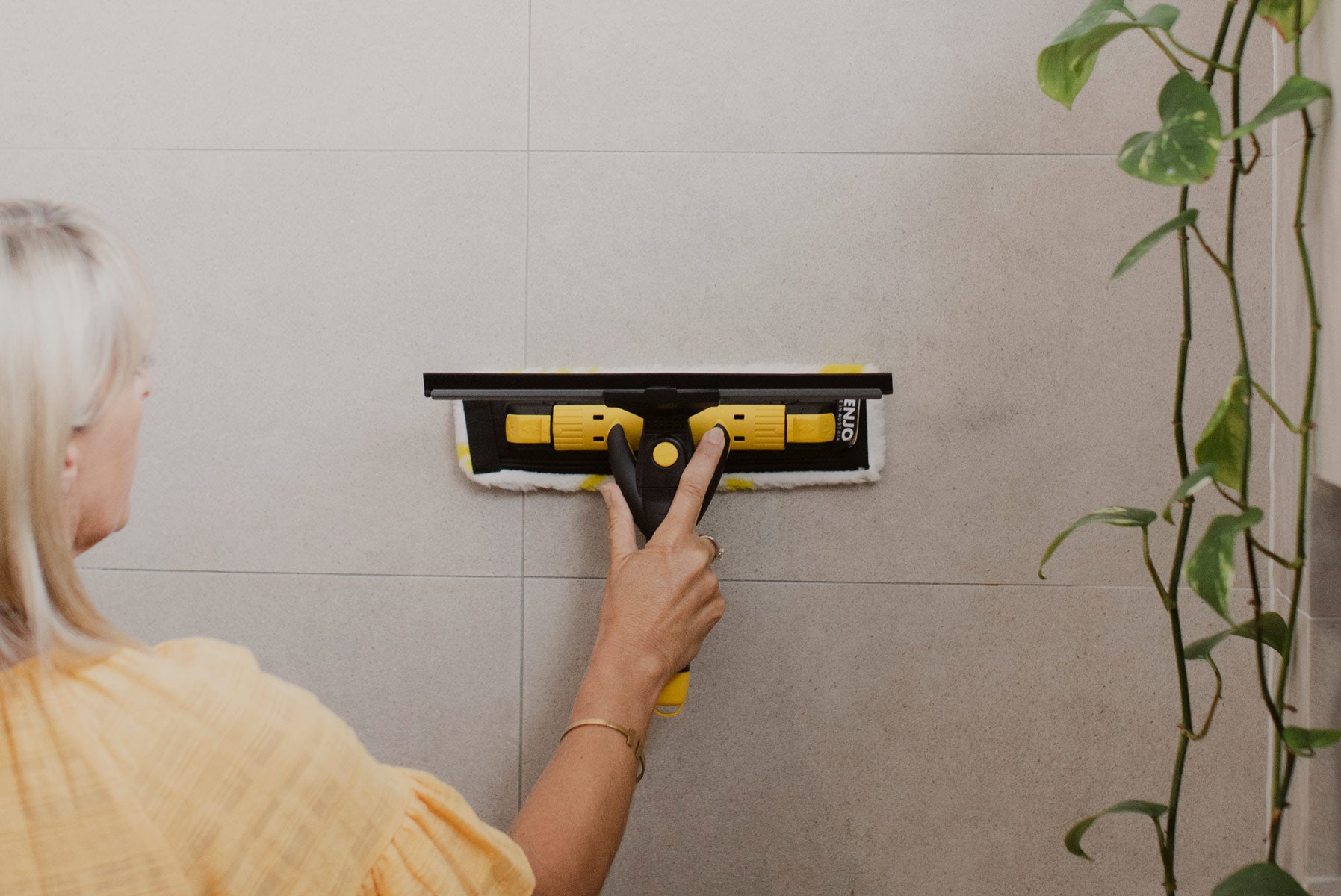
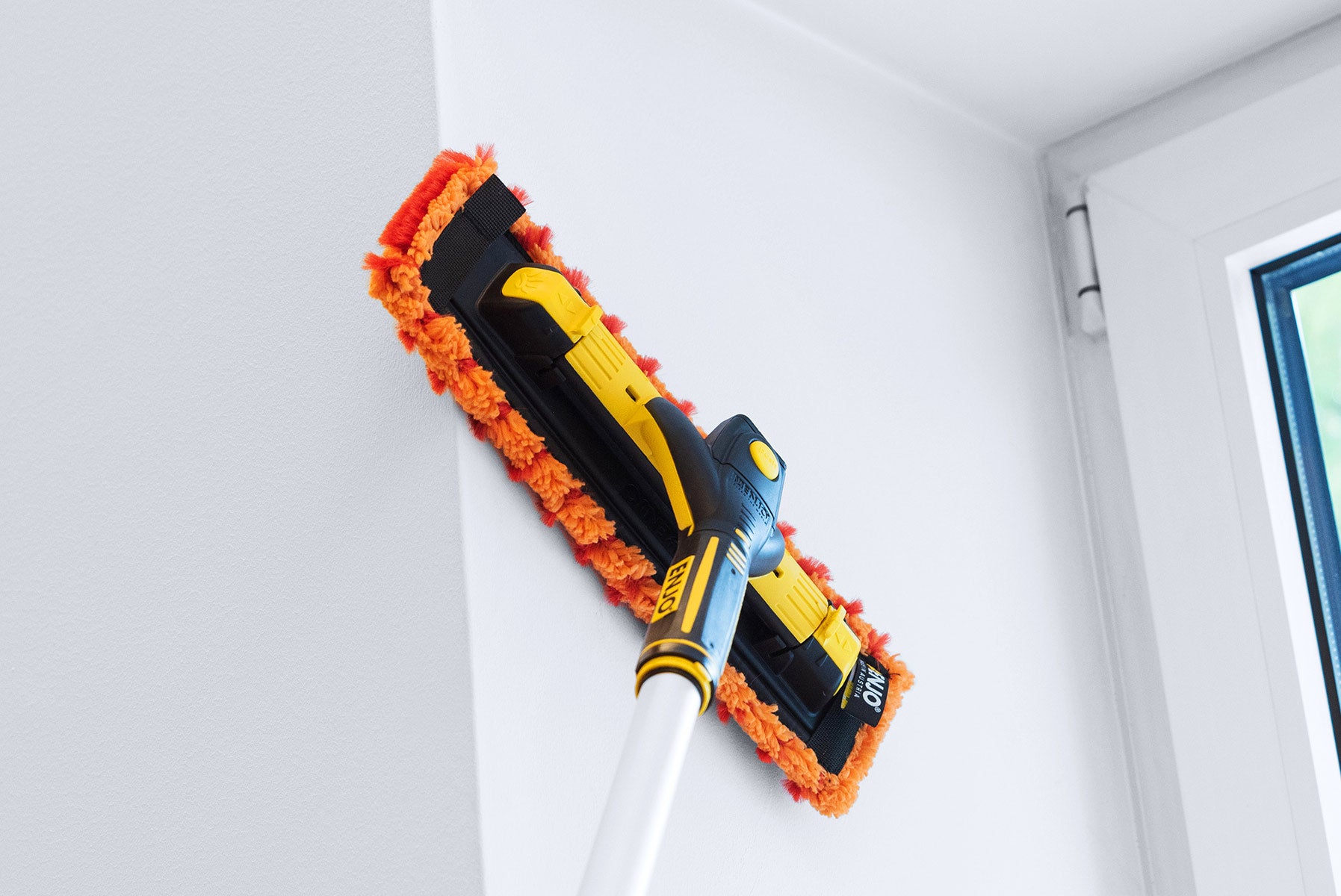
Create your perfect cleaning combo! Pair the versatile Multi Tool Hardware with your choice of one of five Multi Tool Fibres for targeted, chemical-free cleaning anywhere in (or outside) your home.
Includes: Multi Tool Hardware and your choice of Multi Tool Fibre (Bathroom, Window, Dust, Living or Car.
* images show example selections only
60 day love-it-or-leave-it guarantee
Clean Circle Members: 90 day money back guarantee
SHIPPING
All orders are picked and packed within 1-2 business days.
Shipping in Australia is between 2-6 business days*, it can take longer for remote areas.
FREE FROM HARMFUL SUBSTANCES
Every ENJO product meets OEKO-TEX® Standard 100, confirming they’re free from harmful substances and safe for your family.
HAVE QUESTIONS?
Contact our customer care team at care@enjo.com.au.
How to use
Why we love it
Perfect for cleaning
FAQs
How does the Multi Tool work?
Does the Multi Tool Hardware come with a warranty?
Can you attach other ENJO Hardware to the Multi Tool Hardware?
Yes, the Multi Tool Hardware easily attaches to the Telescopic Pole and Twister to suit different cleaning requirements.
How do I attach the Multi Tool to the Twister and Telescopic Pole?
Remove the black e-Clip by sliding outwards (located at the bottom of the Multi Tool handle). Twist and pull to remove the yellow end cap, insert the Telescopic Pole, align the holes then re-insert the e-Clip to lock the pole in place.
Slide the e-Clip out of the Cap at the bottom of the Multi Tool handle. Twist and pull to remove the Cap. Insert the Twister, aligning the holes and re-insert the e-Clip to lock in place. Insert the Telescopic Pole into the Twister, sliding the yellow ring upwards to lock in place. Push the button on the side of the Twister to adjust angle as required.
Does the Telescopic Pole, Twister, Spray Bottle and Multi Tool Hardware have a warranty?
How do I attach the Multi Tool Fibres to the Mutli Tool Hardware?
Can I use my Window Multi Tool Fibre with other cleaning products?
ENJOtex Fibres are designed to effectively clean with just water. Using your ENJOtex Fibres with other products could damage your fibre immediately or over time, reducing the longevity of your products. Learn more about cleaning and caring for your products.
How do I attach the Window Multi Tool to my Telescopic Pole?
Remove the black e-Clip by sliding outwards (located at the bottom of the Multi Tool handle). Twist and pull to remove the yellow end cap, insert the Telescopic Pole, align the holes then re-insert the e-Clip to lock the pole in place.
How do I assemble my Window Multi Tool Hardware?
Your Multi Tool Hardware will arrive fully assembled. To change the direction of the Blade, press the round, yellow push button on the Multi Tool (this will release the Blade), rotate the Blade 180° then re-insert, locking into place.
To attach the fibre, slide the right side of the Multi Tool Plate into the right side pocket of the fibre. Holding the left side loop, lift the fibre over the opposite end of the plate to hold securely in place.
How do I wash my Multi Tool Fibres?
Wash your Multi Tool Fibres (and any other ENJOtex Fibres) in your ENJO Laundry Bag at 40–60°C with a natural detergent and leave to air dry. Avoid fabric softeners and tumble drying.
How often should I wash my Multi Tool Fibres?
Can I use my Multi Tool Fibres with other cleaning products?
ENJOtex Fibres are designed to effectively clean with just water. Using your ENJOtex Fibres with other products could damage your fibre immediately or over time, reducing the longevity of your products. Learn more about cleaning and caring for your products.
How do I attach the Multi Tool to the Telescopic Pole?
Remove the black e-Clip by sliding outwards (located at the bottom of the Multi Tool handle). Twist and pull to remove the yellow end cap, insert the Telescopic Pole, align the holes then re-insert the e-Clip to lock the pole in place.





How ENJO works

Carefully Selected Materials
Chosen for performance, tested for strength, and made to last.

100x Finer Than a Human Hair
Designed to reach microscopic dirt + bacteria

Wedge-Shaped Design
Angled fibres break surface tension, loosening stubborn grime.

Just Add Water
Together, they create a capillary action that lifts and locks away dirt.

Designed to Hold
Expert weaving traps dirt inside the Fibre - no smearing or transferring it.


Why Choose ENJO?

Chemical-Free Cleaning
Our unique ENJOtex Fibres remove 99.9% of bacteria with just water

Reusable for 3 Years
Removes the burden of replenishing your cleaning cupboard

6x Better Than Conventional Cleaning
Lab results show ENJO as 6.65x more effective than chemical cleaning products

Saves You Thousands
A complete reusable cleaning kit can save you up to $3,000 over 3 years


